

Yes—you can absolutely reduce eye strain from bright office lighting, and it usually doesn’t require anything extreme. The key is controlling glare, contrast, and how hard your eyes have to work.
💡 Practical Ways to Protect Your Eyes
Adjust Your Screen Setup
Position your monitor so it’s not directly under harsh overhead lights or facing a window. Glare is a bigger problem than brightness itself. Lowering screen brightness to match the room can make a big difference.
Use Proper Lighting
If possible, swap intense overhead lighting for softer, indirect light (like a desk lamp with a warm tone). Diffused lighting is easier on your eyes than sharp, direct beams.
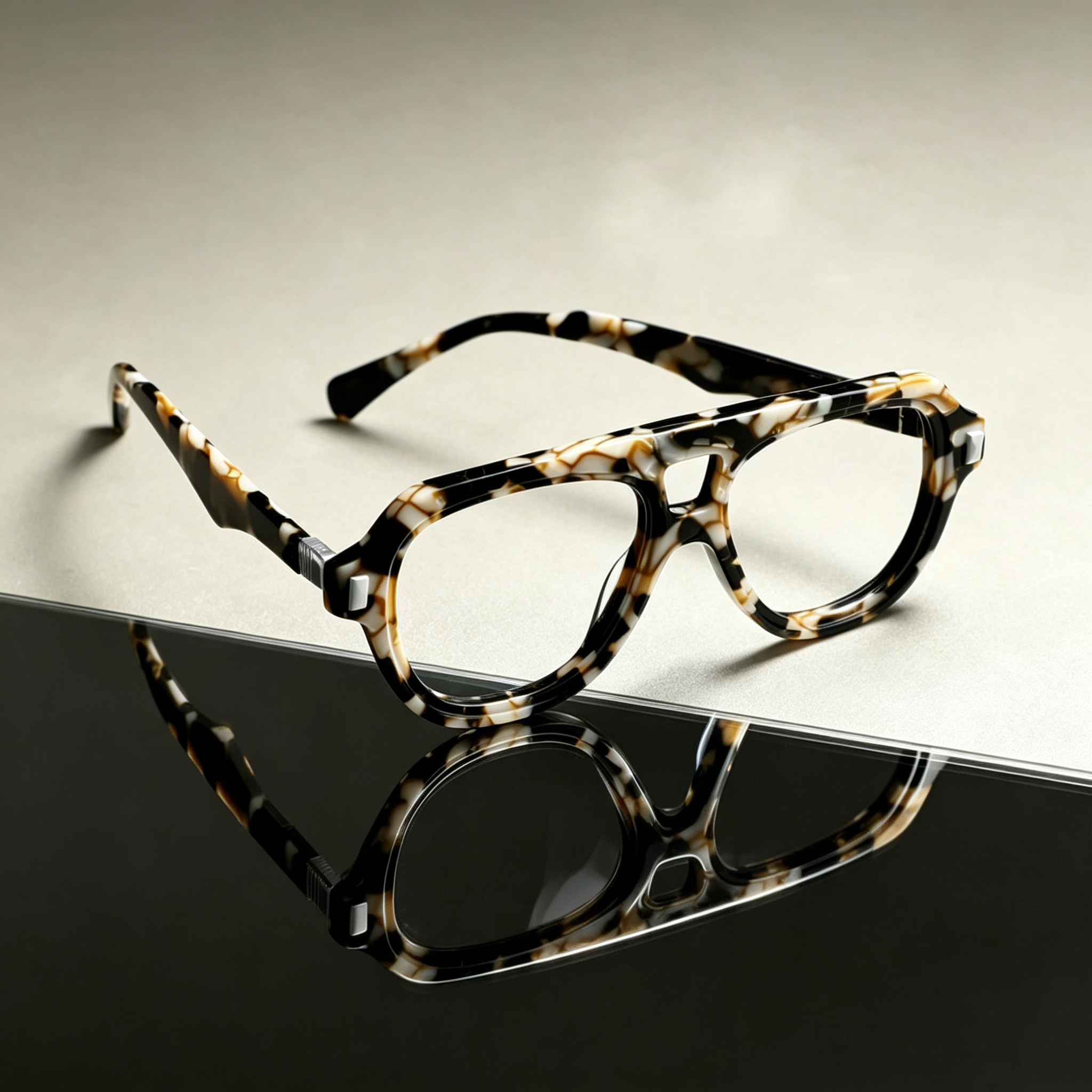
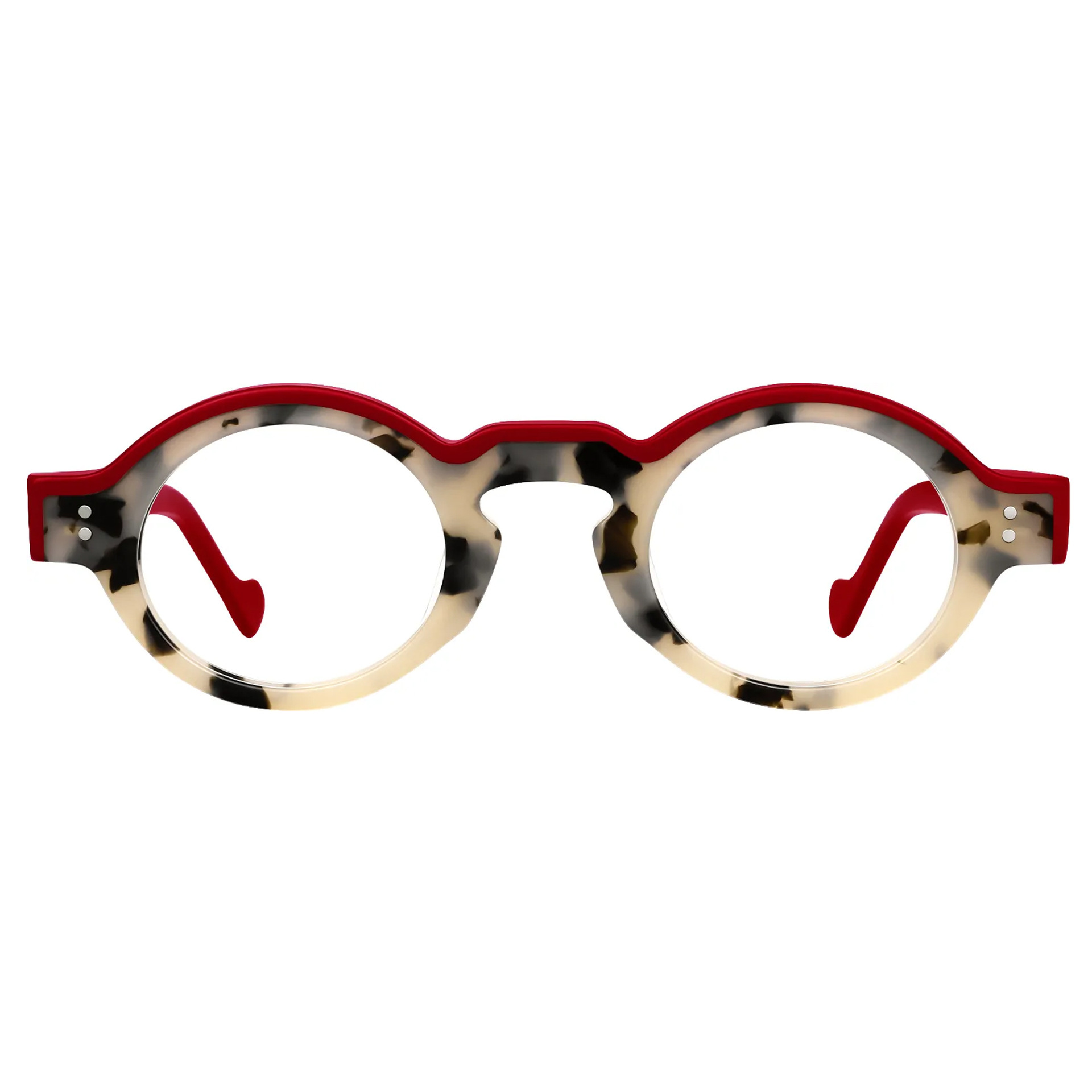
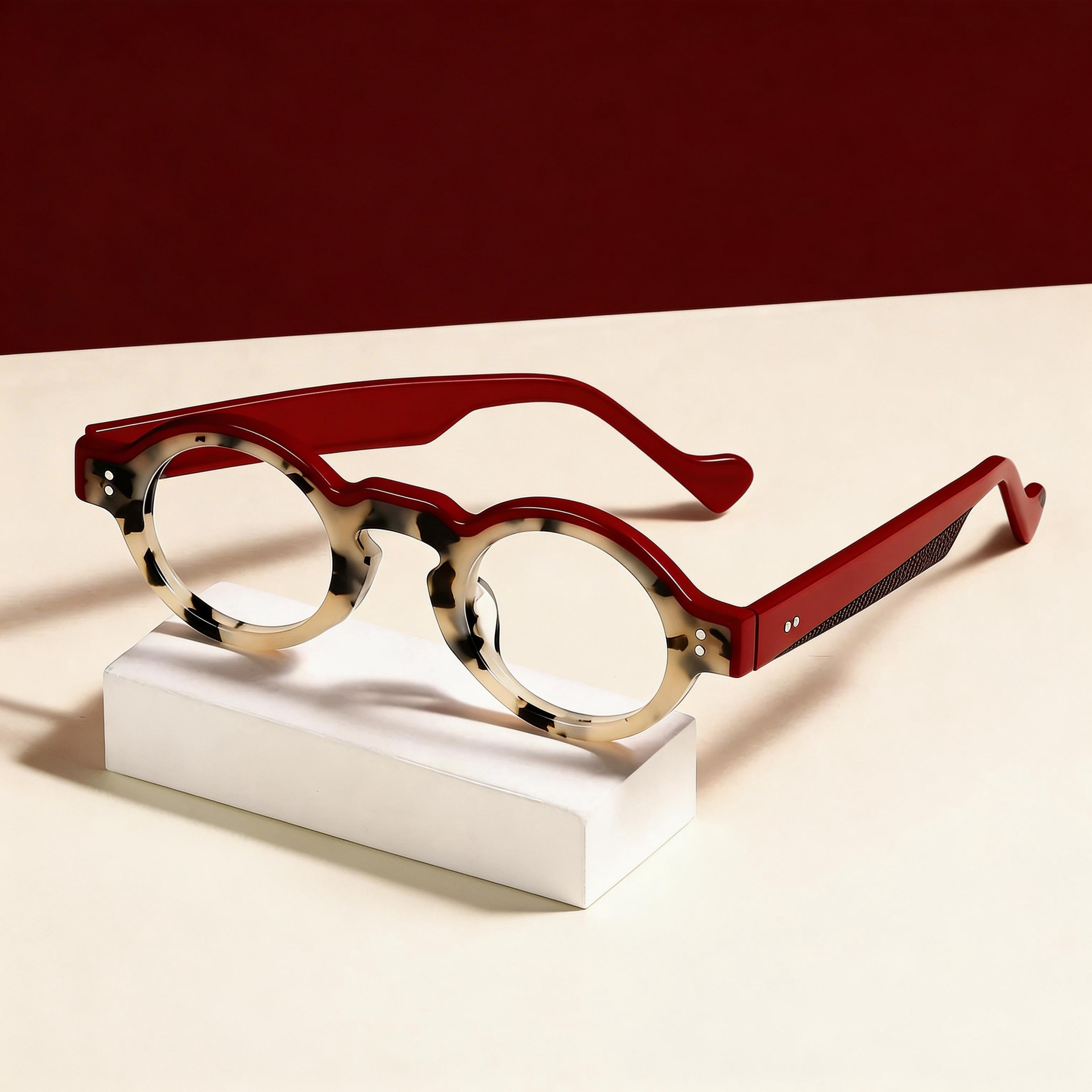
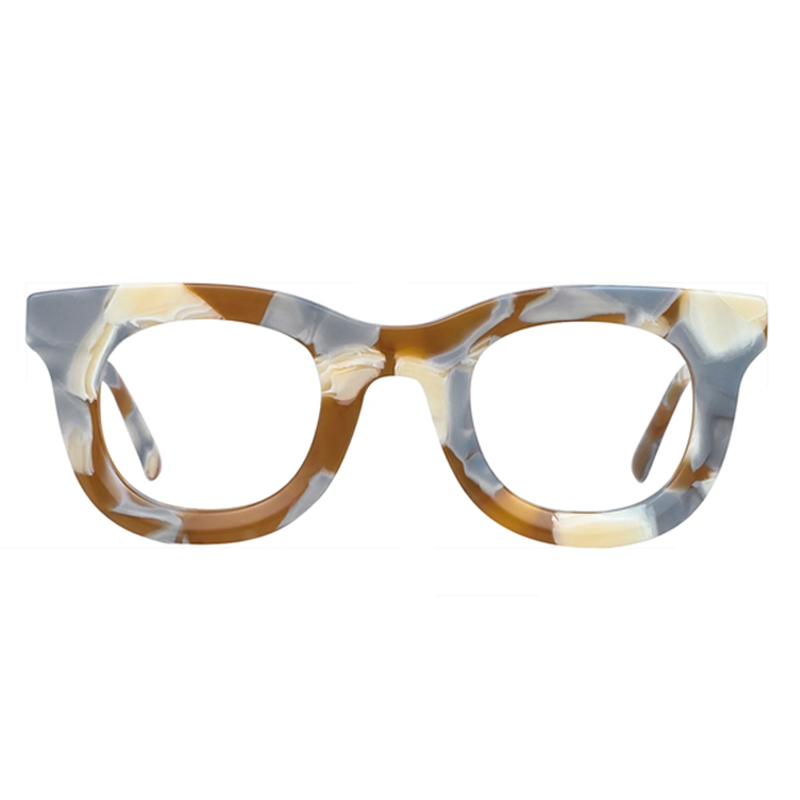
Consider Lens Options
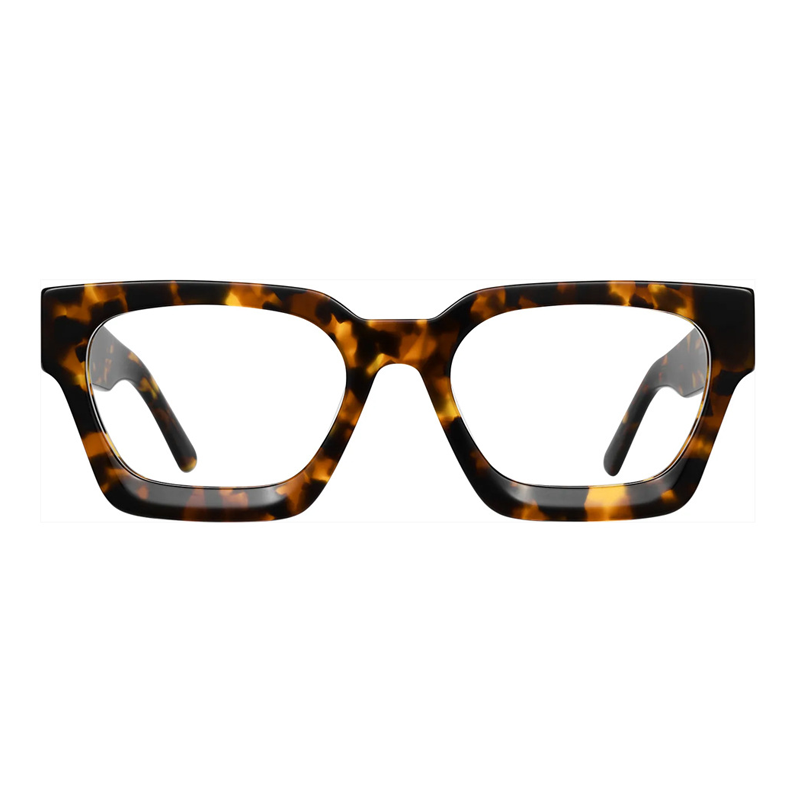
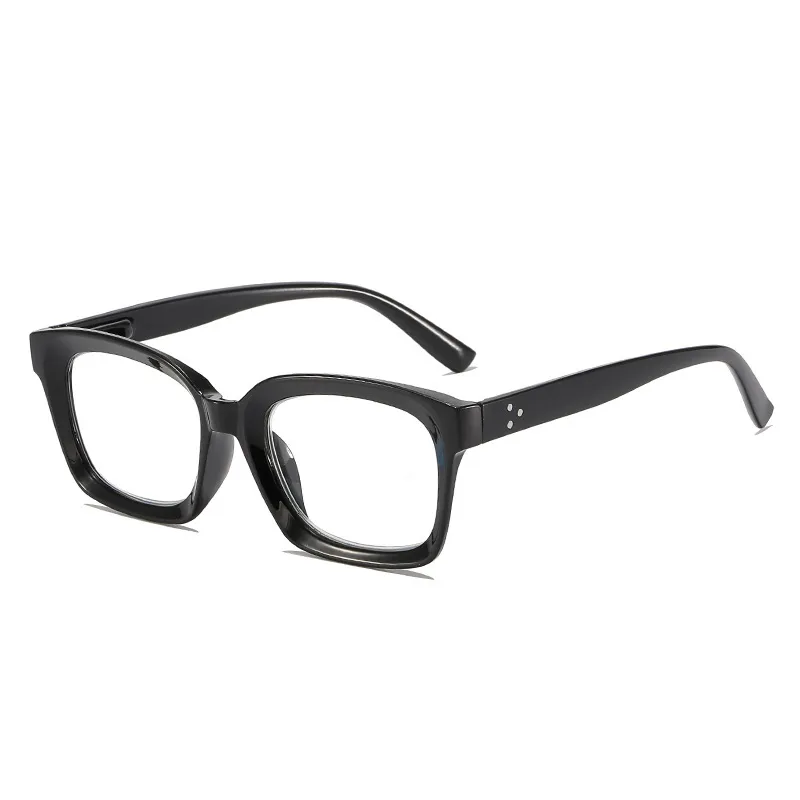
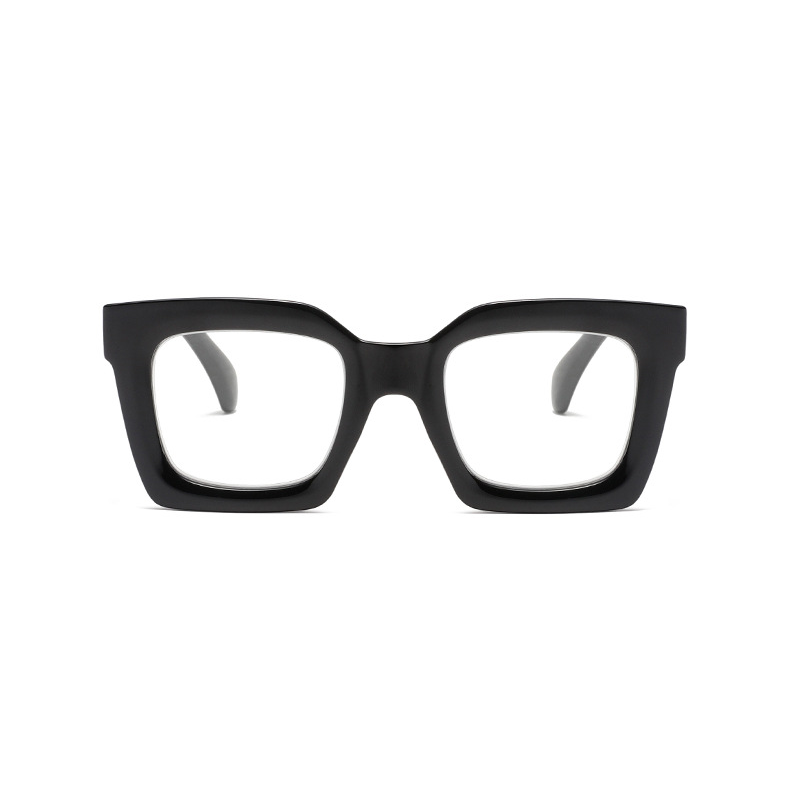
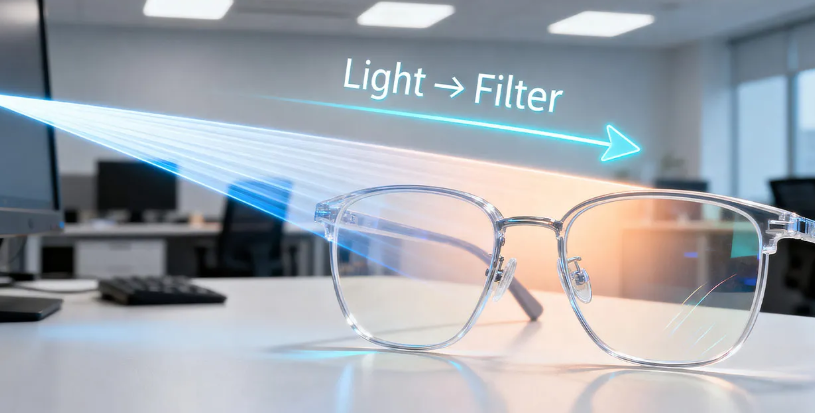
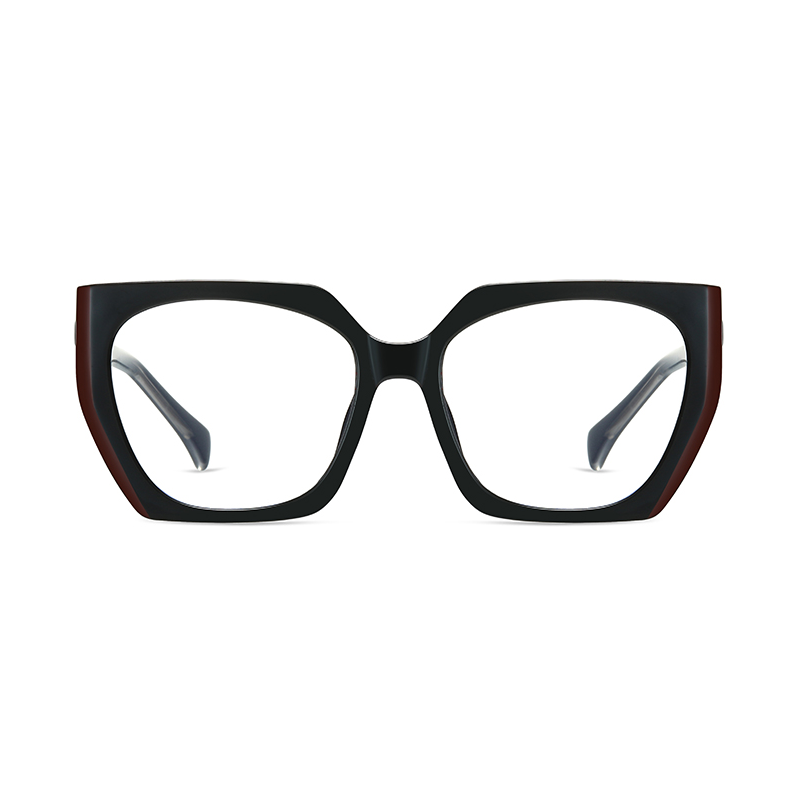
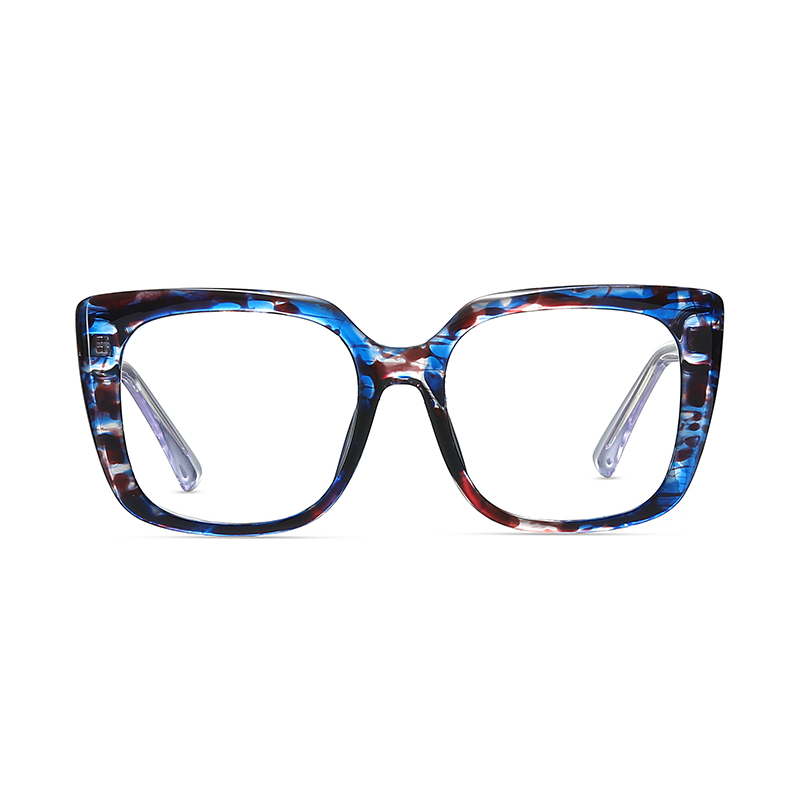
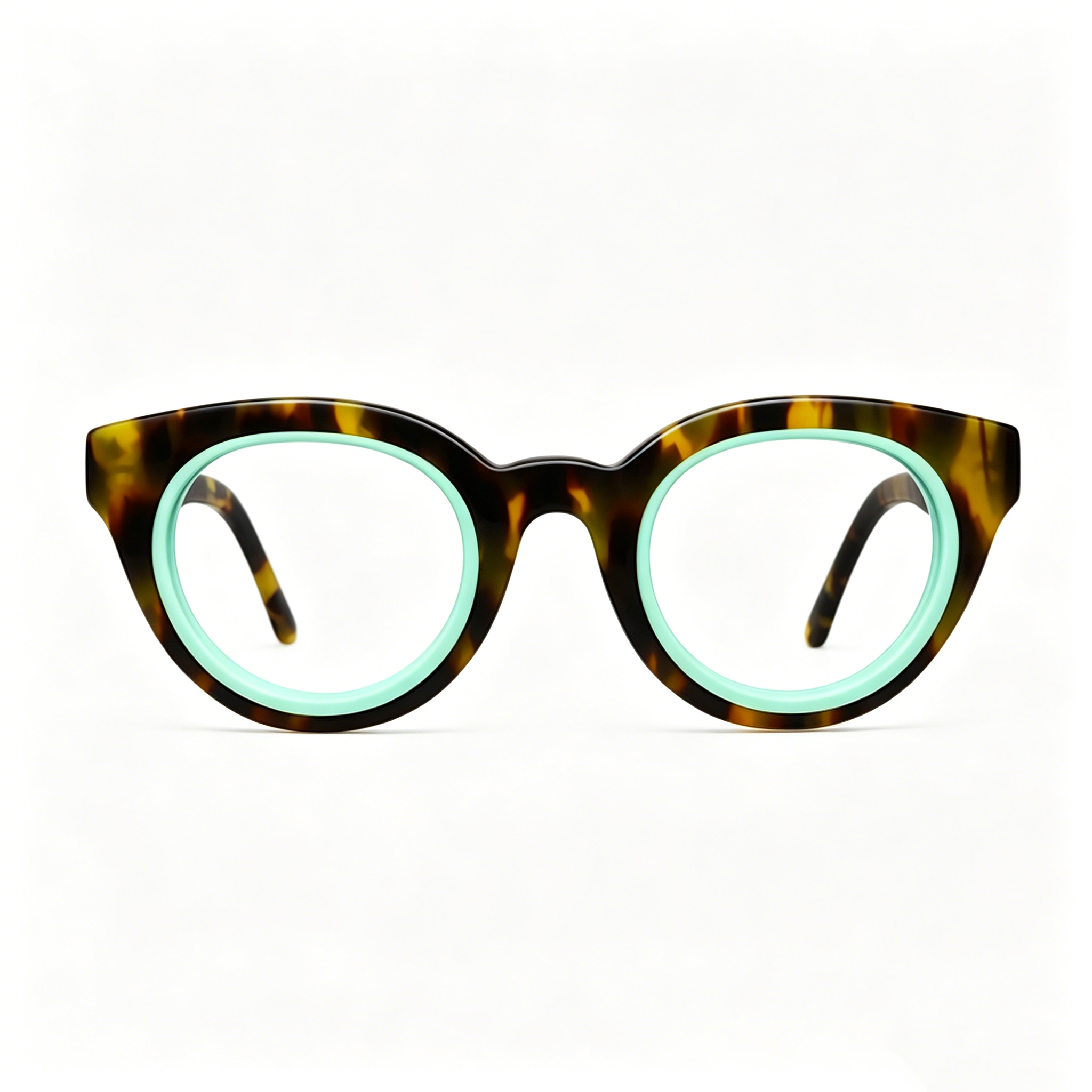
If you wear glasses, lenses with anti-reflective coating can reduce glare significantly. Some people also benefit from lightly tinted “computer glasses,” though they’re not essential for everyone.
Follow the 20-20-20 Rule
Every 20 minutes, look at something 20 feet away for 20 seconds. This helps prevent digital eye strain, also known as Computer Vision Syndrome.
Blink More Often
It sounds simple, but people blink less when staring at screens. This can lead to dryness. If needed, artificial tears can help keep your eyes comfortable.
Adjust Contrast and Text Size
Increase text size and contrast on your screen so your eyes don’t have to strain to read.
🚫 What Usually Doesn’t Help Much
- Extremely dark sunglasses indoors (can make your eyes work harder)
- Overly strong blue-light blocking lenses unless you’re sensitive
⚠️ When to Take It Seriously
If you’re getting frequent headaches, blurry vision, or eye fatigue, it may be worth seeing an optometrist. You could need a slight prescription adjustment or specialized lenses.
Small changes in lighting and screen setup often make a noticeable difference within a day or two. If you want, tell me about your workspace and I can suggest more tailored fixes.









-3.jpg?w=800&h=800)




.jpg?w=1024&h=1024)