


Spending long hours in front of a screen can put real strain on your eyes, but a few smart monitor adjustments can make a noticeable difference. The goal is to reduce glare, limit excessive brightness contrast, and keep your visual system working in a more natural range—closer to how it behaves in daylight.

Start with brightness and contrast
Your monitor shouldn’t look like a light source in a dark room. A common mistake is leaving brightness too high, especially at night. A good rule is to match your screen brightness to your surroundings: if the room is dim, your screen should also be dim.
Contrast should be set so text is crisp without harsh white-on-black extremes. Too much contrast forces your eyes to constantly “re-adjust,” which can contribute to fatigue.
Use warmer color temperature
Blue-heavy light is more stimulating and can feel harsher during long sessions. Most modern displays include a “night mode” or “warm color temperature” setting that shifts the screen slightly toward amber tones.
This doesn’t just help at night—it can also reduce perceived glare during daytime indoor work, especially under artificial lighting.
Adjust font size and scaling
Eye strain often comes from squinting, not the screen itself. Increasing text size and system scaling reduces the need to lean forward or strain focus.
If you work with documents or spreadsheets, prioritize readability over fitting more content on screen.
Positioning matters as much as settings
Even perfect monitor settings won’t help if the screen is poorly placed:
- Keep the top of the screen at or slightly below eye level
- Sit about an arm’s length away
- Tilt the screen slightly backward to reduce reflection
This positioning helps maintain a more relaxed eye and neck posture, reducing both visual and musculoskeletal fatigue.
Control glare and reflections
Glare is one of the most underrated causes of eye discomfort. Try to avoid placing your monitor directly opposite a bright window or overhead light. If that’s unavoidable, adjust blinds or reposition the screen slightly.
A matte screen finish or anti-glare filter can also help in bright environments.
Follow the 20-20-20 rule
Every 20 minutes, look at something about 20 feet away for at least 20 seconds. This simple habit gives your focusing muscles a break and helps prevent digital eye strain buildup over time.
Support your setup with proper eyewear if needed
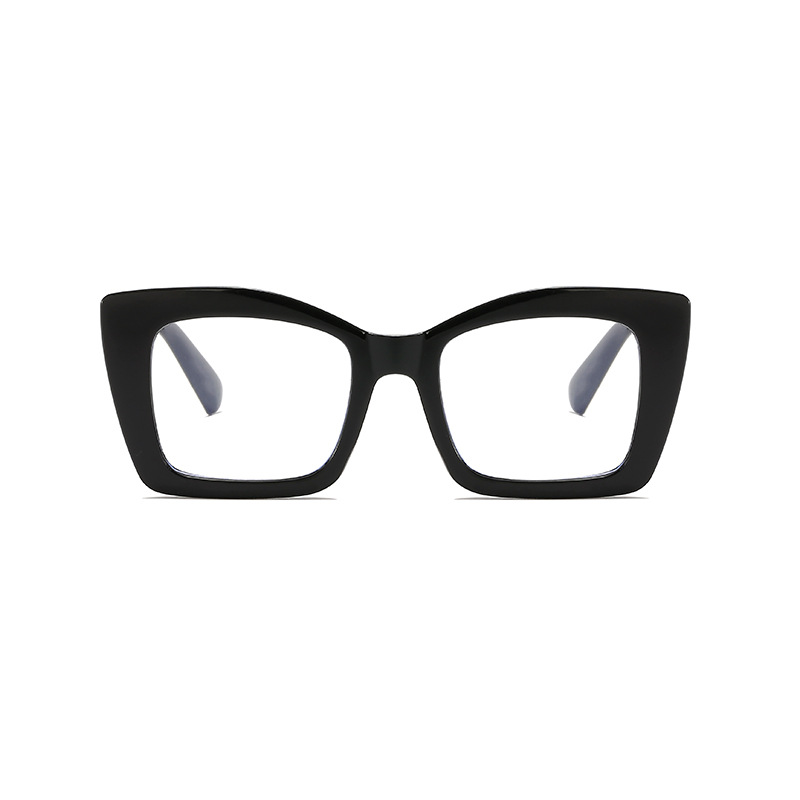
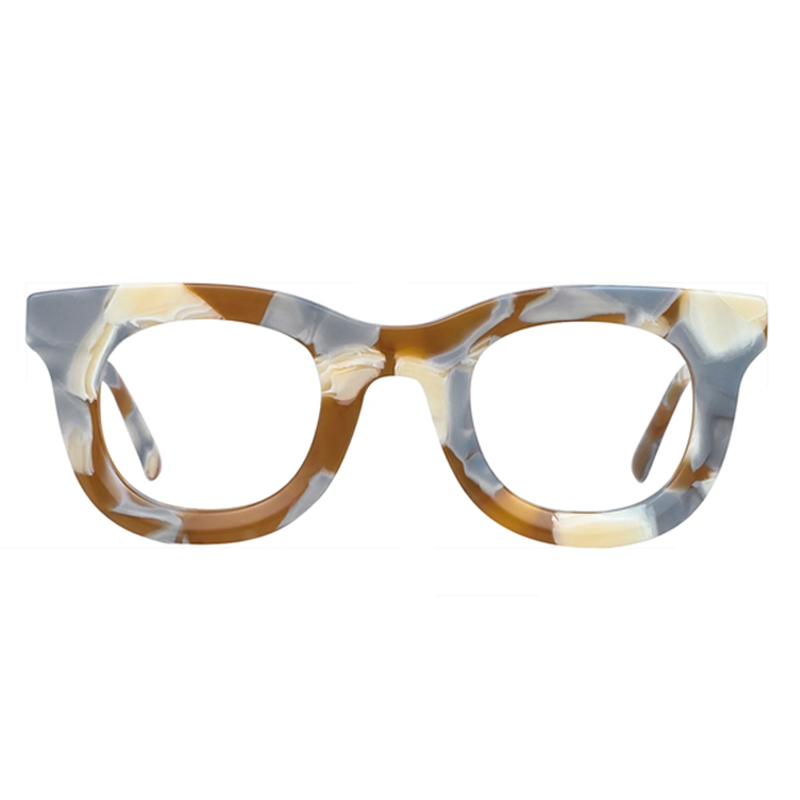
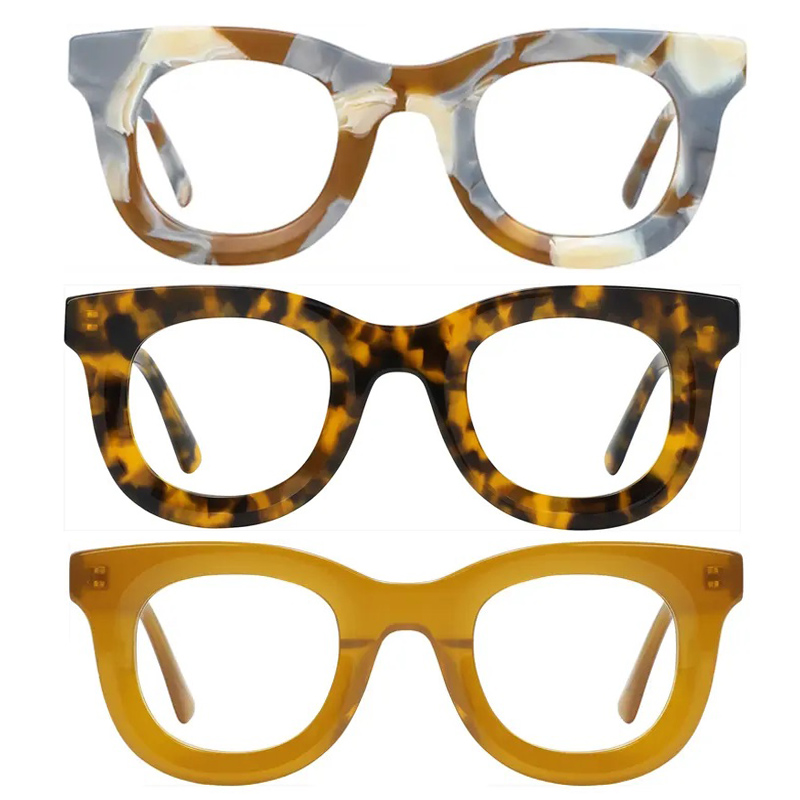
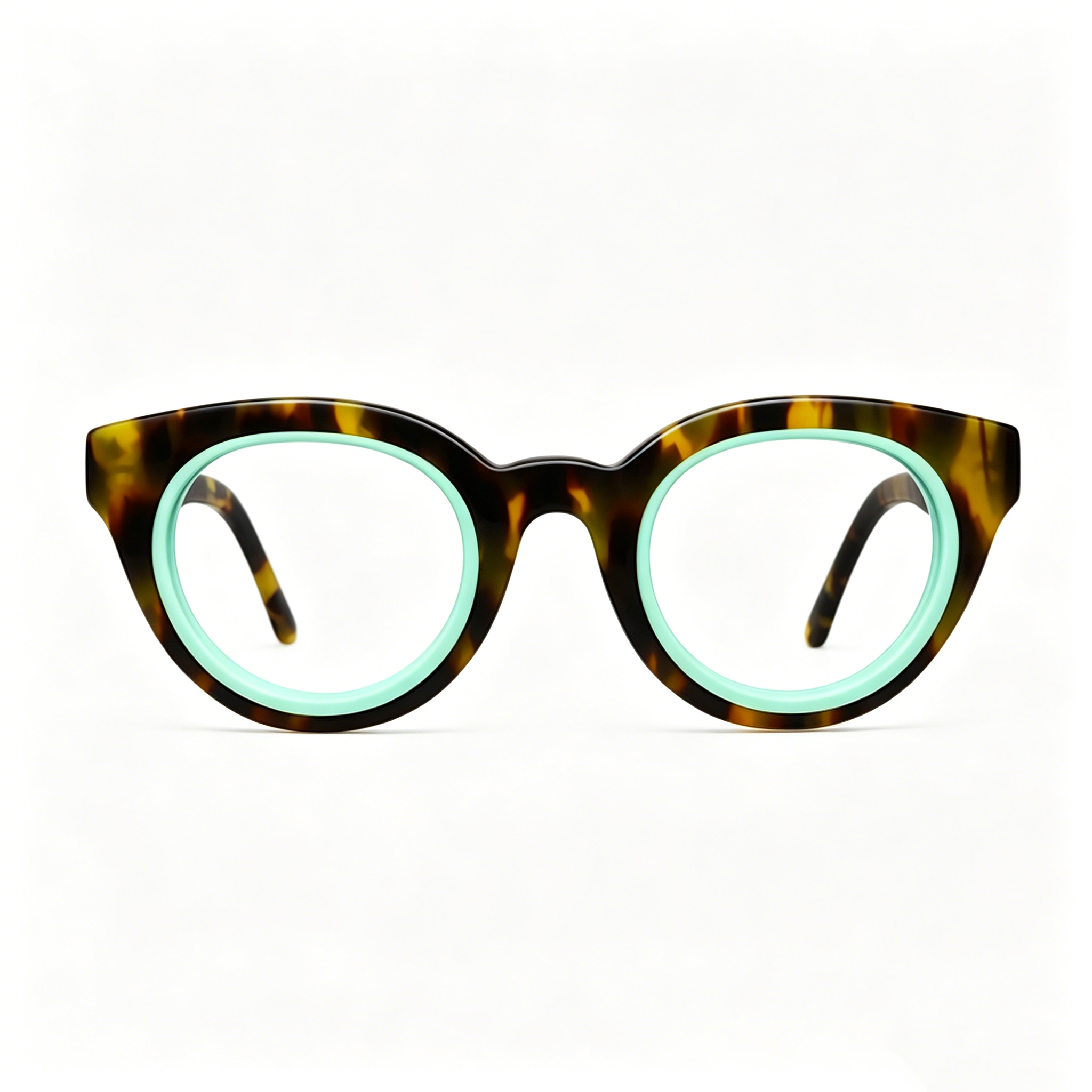
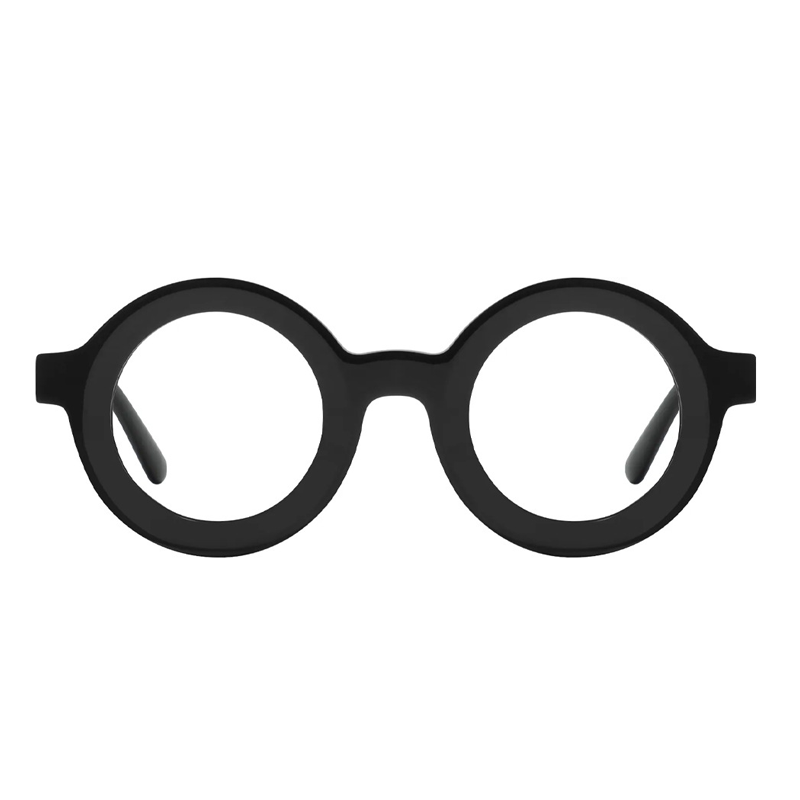
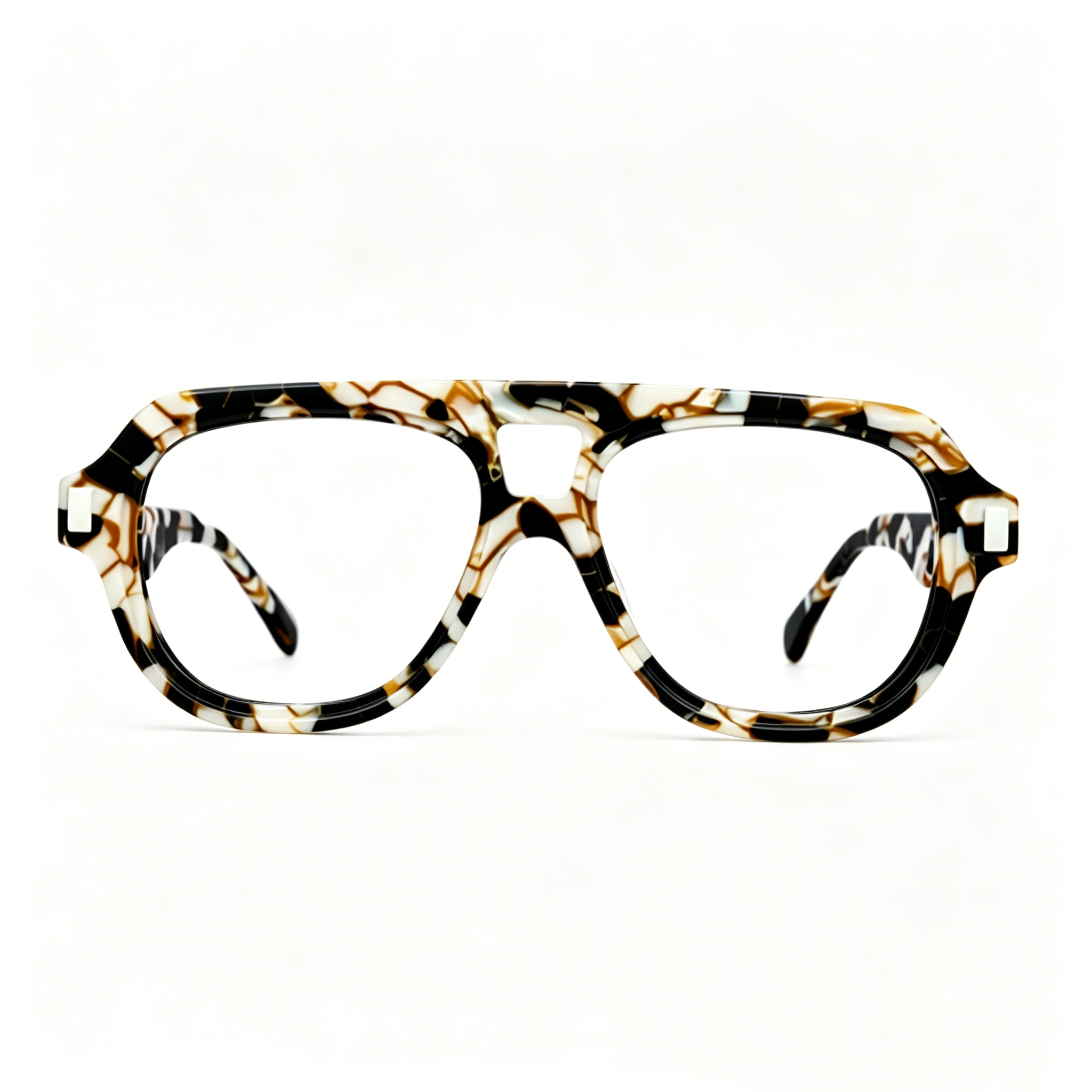
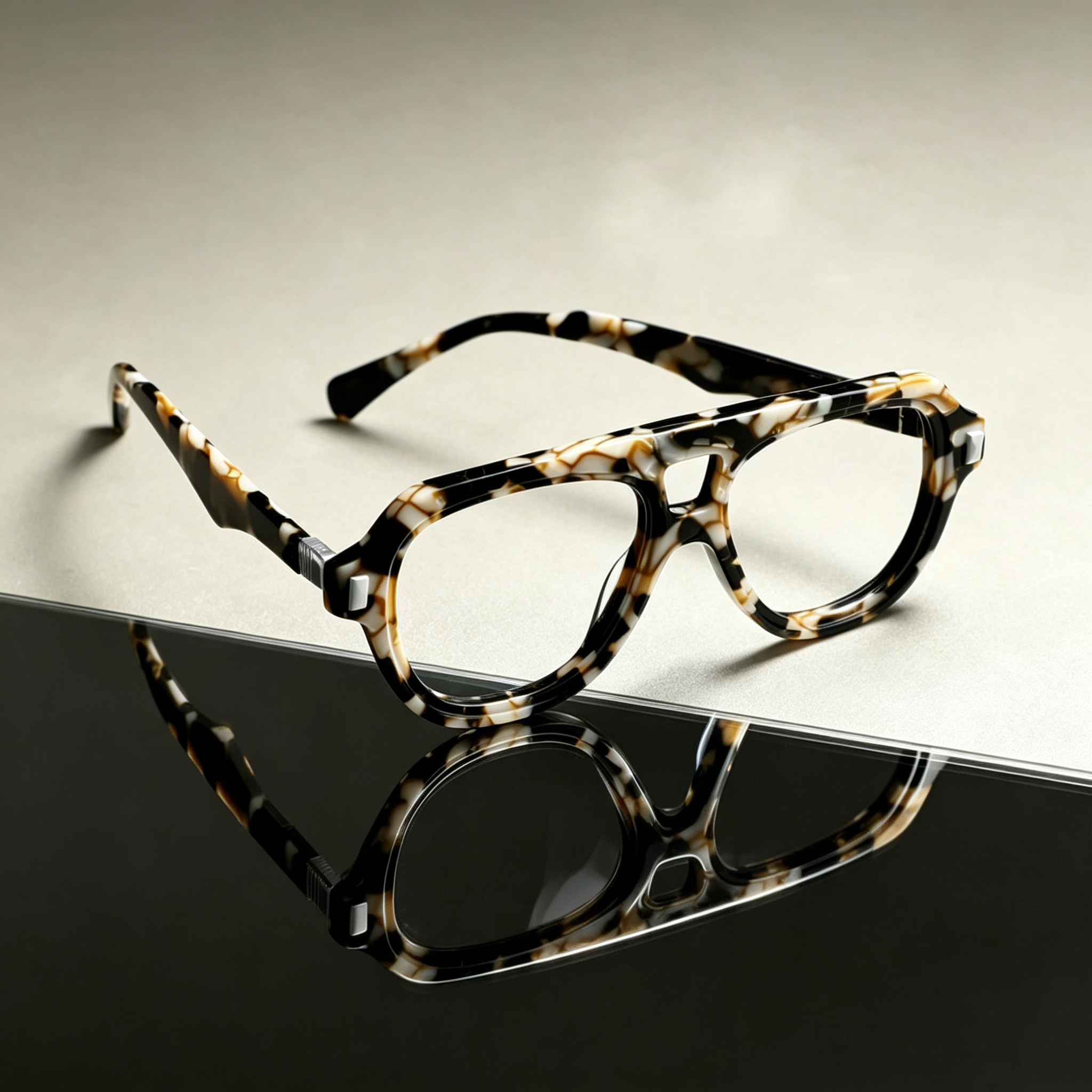
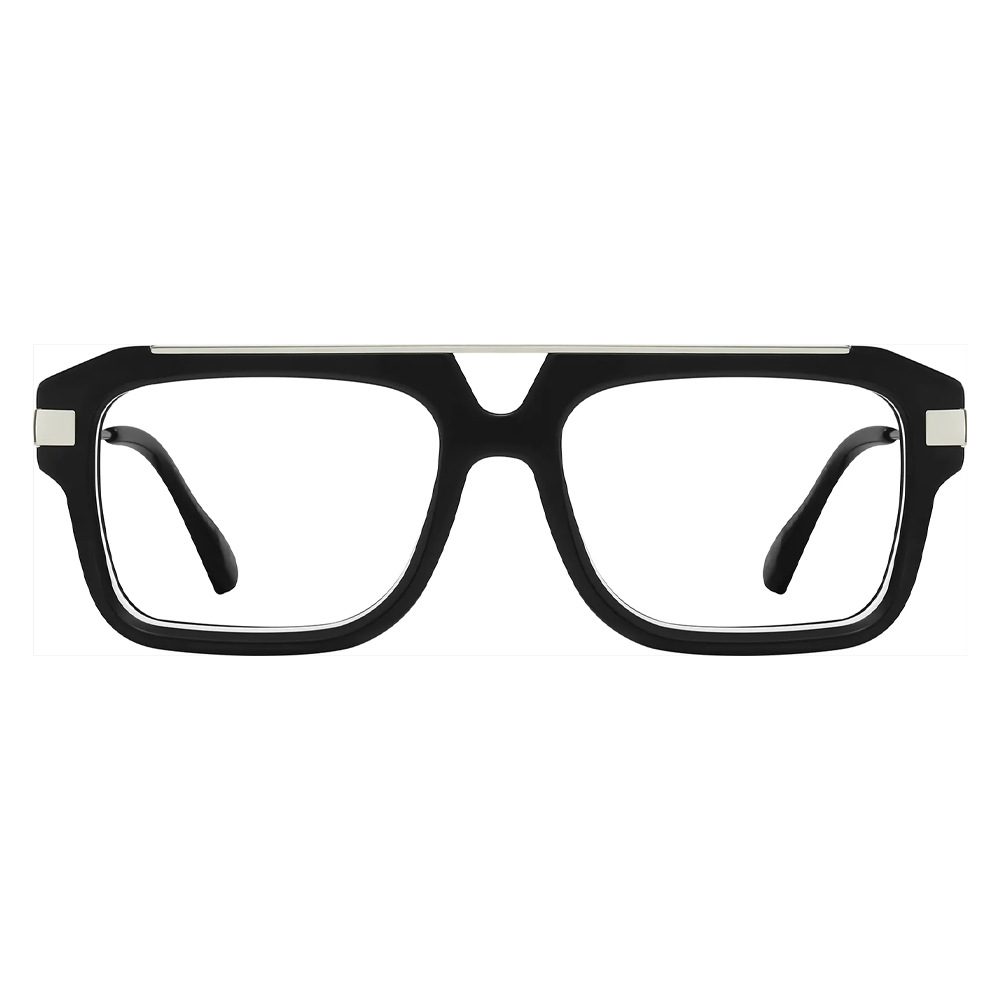
If you already wear prescription glasses or spend extended hours on screens, lenses designed for digital use can help reduce strain.
For example, computer-specific eyewear options like those discussed in Computer Glasses: A Necessity in the Digital Age often combine mild focus support with glare reduction coatings, which can complement good monitor settings rather than replace them.
Bottom line
Optimizing monitor settings isn’t about one perfect configuration—it’s about reducing extremes: less brightness, softer contrast, warmer tones, and better ergonomics. Combined with regular breaks and proper eyewear when needed, these adjustments can significantly reduce eye fatigue during long screen sessions.
https://scoolglasses.com/products/oval-glasses-69-7060






-3.jpg?w=800&h=800)










.jpg?w=1024&h=1024)

-7.png?w=1024&h=1024)